Bead Pattern Restorer
Bring Faded Patterns Back to Life
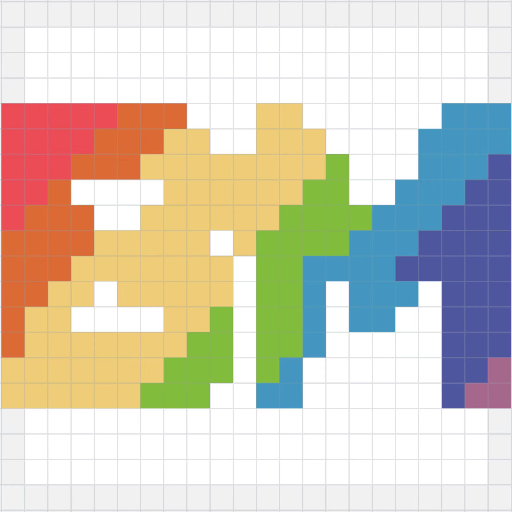
Got a blurry screenshot or a pattern with missing color codes? Upload it, align the grid, and export a clean, color-accurate pattern in minutes — no signup, no cost, fully private.
Click to upload or drag & drop
JPG, PNG, WebP
How to use
- Upload a bead chart image (photo or screenshot)
- Drag the orange handles to crop around the bead grid area
- Use the rotation slider to straighten tilted images
- Click Confirm Crop to proceed, or Skip to use the full image
Tips
- Crop tightly around the grid, excluding row/column numbers
- Slight rotation correction helps grid detection accuracy
Upload a bead chart image to restore clean pixel patterns
How It Works
Three simple steps from blurry image to print-ready pattern.
Upload & Crop
Import your pattern image in any common format. Use the built-in crop tool to select only the grid area you need — no external image editing required.
Grid Detection & Color Restore
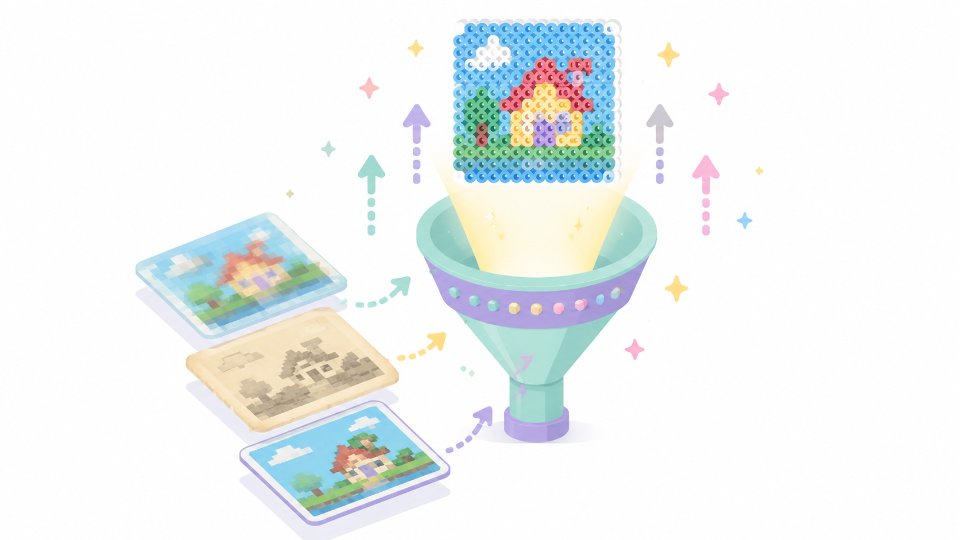
The tool detects the bead grid automatically and maps each cell to the closest matching color in your chosen brand palette. Review the overlay to confirm alignment and accuracy before moving on.
Edit & Export
Fine-tune individual beads, remove stray colors, and adjust your palette inside the editor. When everything looks right, export a crisp, high-resolution pattern ready for crafting.
Why Crafters Choose Pattern Restorer
Works with Any Source
Import patterns built for any brand — even low-resolution screenshots, faded scans, or images with illegible color codes. The restore engine handles them all.
Beginner-Friendly Workflow
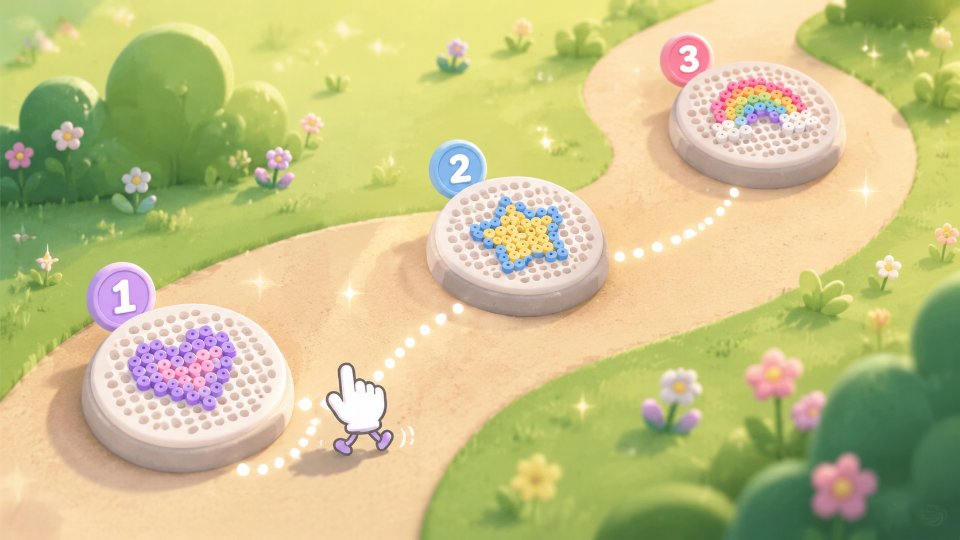
No design software experience needed. The guided three-step process walks you from a raw image to a finished pattern without complicated menus or settings.
Free & Fully Private
Pattern Restorer runs entirely in your browser. Your images are never uploaded to any server, so there is zero risk of data leaks or copyright exposure. No account required.

Multi-Brand Color Support
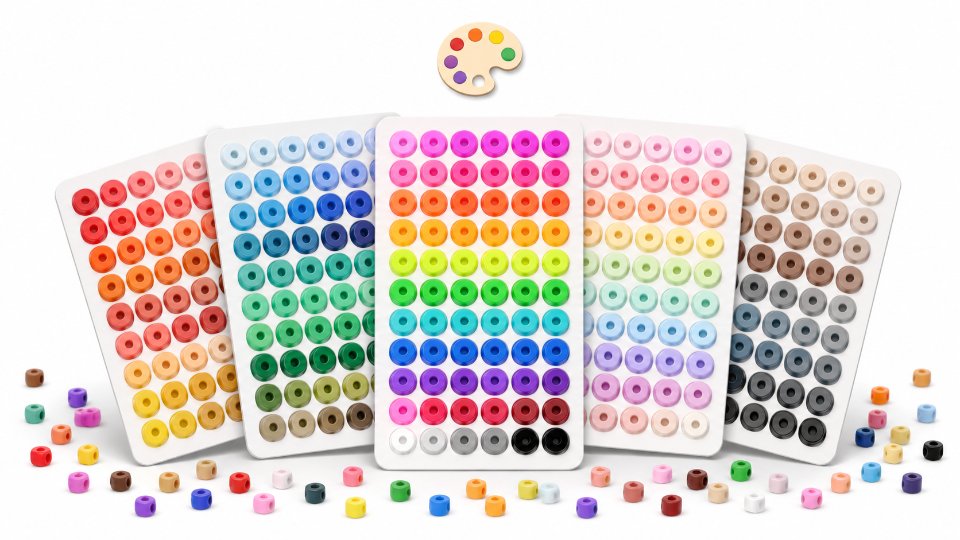
Rebuild patterns using official color palettes from Perler, Artkal, Hama, Nabbi, Mard, and other popular fuse bead brands sold worldwide.
When You Need Pattern Restorer
Real scenarios where this tool saves you hours of manual redrawing.
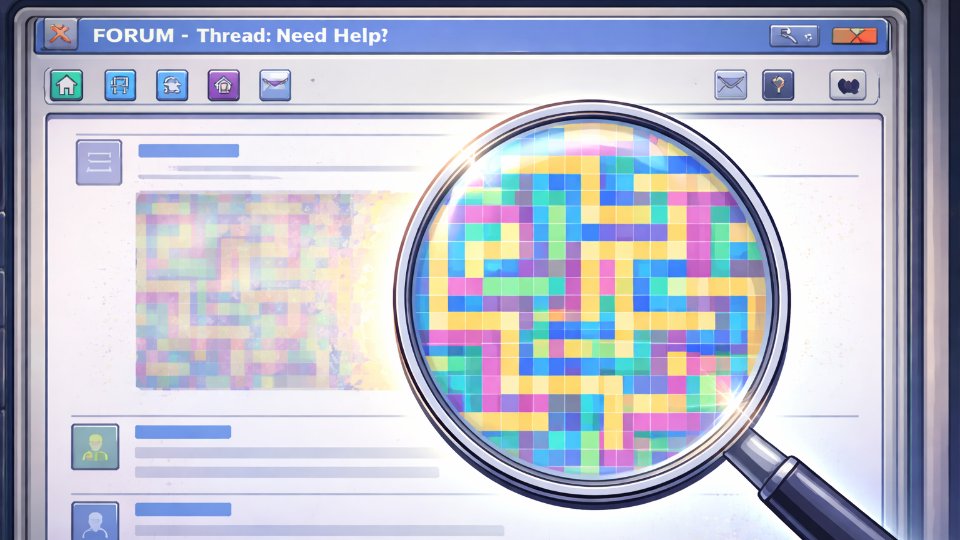
Rescue Patterns from Old Forum Posts
Found a design you love buried in an archived community thread, but the image is heavily compressed and the color labels are unreadable? Upload it and let the tool reconstruct every bead.
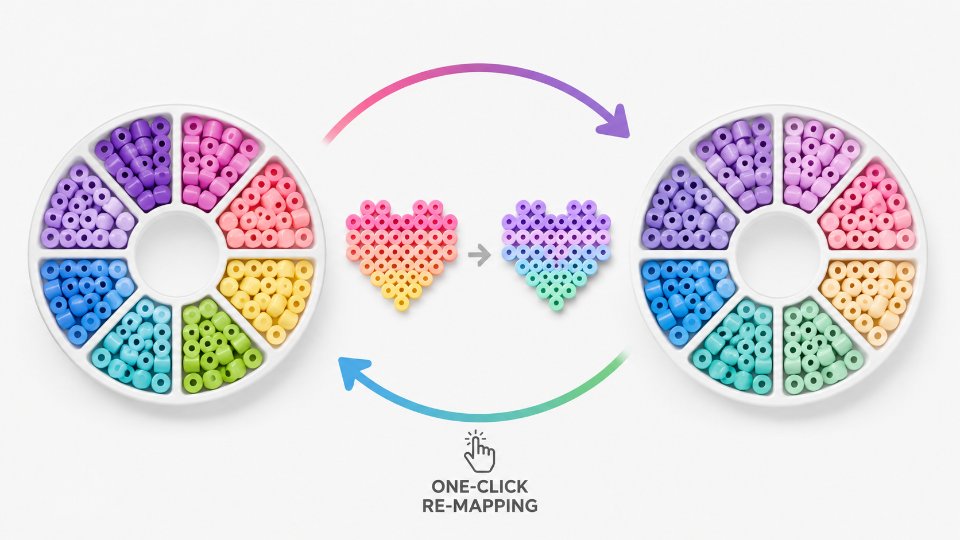
Switch Between Bead Brands
Have a pattern mapped to Perler colors but you craft with Artkal? Restore the grid and re-map it to your preferred brand palette in one session — no manual color matching needed.
Jumpstart Your Own Designs
Use an existing pattern as a starting point for your next project. Restore it into the editor, then modify shapes, swap colors, and make it yours — without redrawing from a blank canvas.

Disclaimer
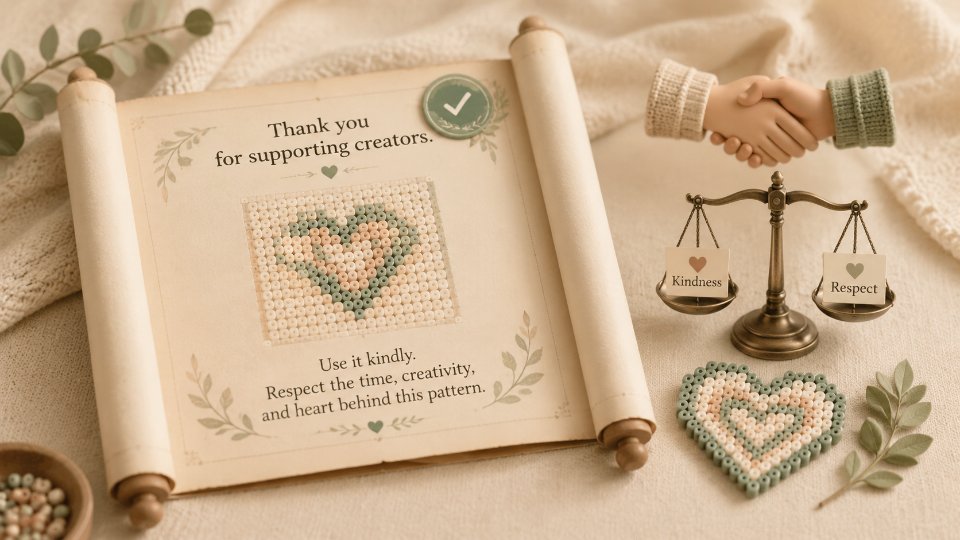
Pattern Restorer is designed to help fuse bead enthusiasts obtain clearer, higher-quality versions of patterns and to provide efficiency tools for pattern creators across the community.
Please do not use this tool to extract, reproduce, or redistribute patterns whose original creators or rights holders have explicitly prohibited commercial use, re-creation, or other forms of redistribution. Any such activity is solely the responsibility of the user.
BeadMapper (www.beadmapper.com) reserves the right to take action if misuse is identified, including restricting access to this tool or blocking specific users or regional IP addresses.
For questions or concerns, please contact us at support@beadmapper.com.